By Gaurab Chhetri on September 16, 2025
What I learned building my first CLI tool
TL;DR: Building my first CLI tool taught me that solving your own problems can be fun, educational, and surprisingly impactful. Here’s what I learned from creating optimize-images-cli.
Introducing the Tool
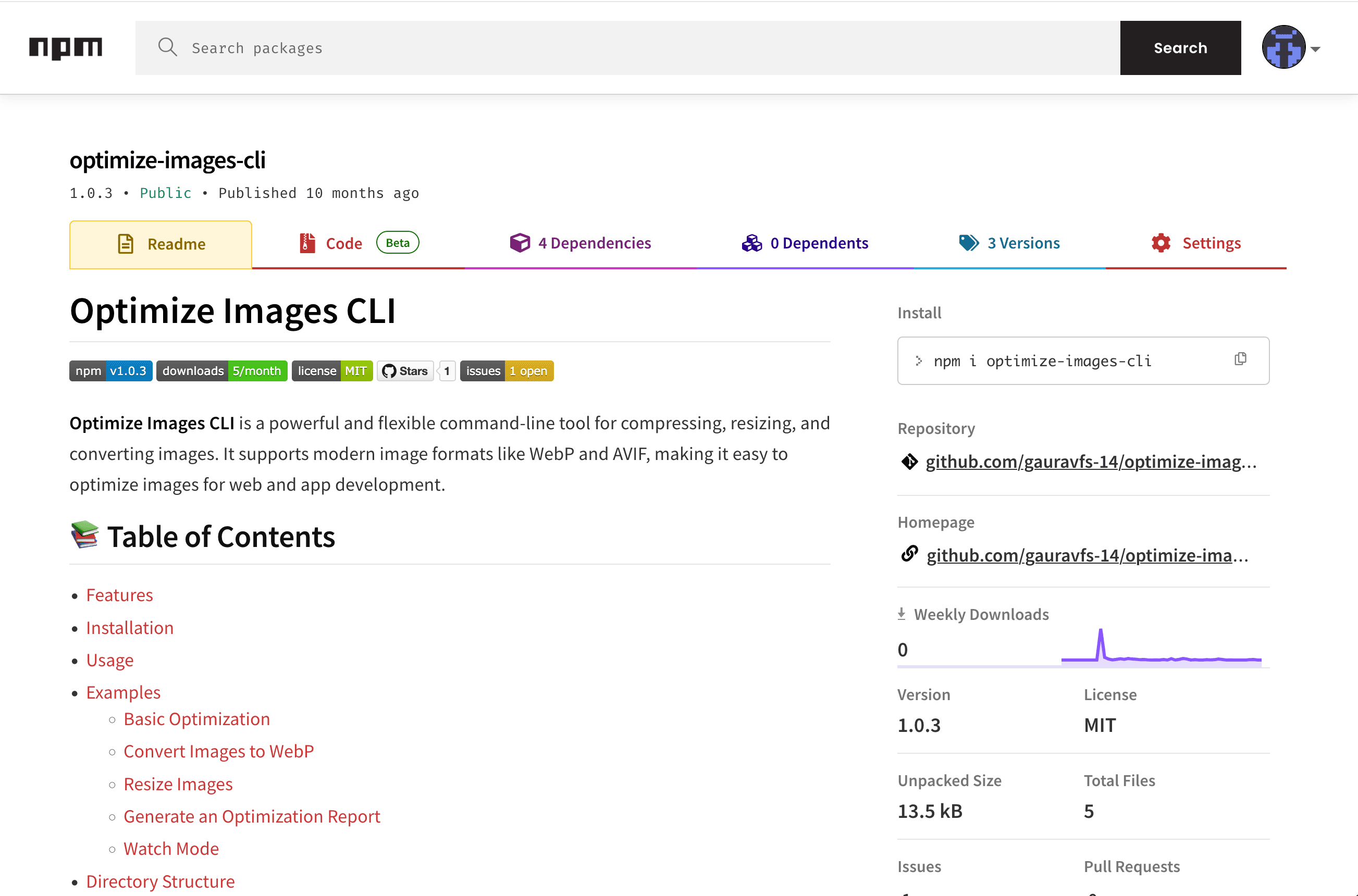
The tool in question is called optimize-images-cli, and it’s available on NPM. You can install it globally with:
npm i -g optimize-images-cliIn short, Optimize Images CLI is a powerful and flexible command-line utility for compressing, resizing, and converting images. It supports modern formats like WebP and AVIF, making it easy to optimize images for both web and app development.
Why I Built It
This project started with a very real problem. I was working on a project (can’t share details yet) that had a folder with 200+ images. I needed to compress them and convert everything into a consistent format like .jpeg.
Like anyone else would, I first turned to Google. Most of the online compressors I found were bloated with ads, slow, and not designed for bulk processing. I couldn’t find a tool that matched my exact use case.
That’s when I thought: why not build my own tool?
I had two options:
- Build a web app, which would require hosting and more overhead.
- Build a CLI tool, lightweight and purpose-driven.
I went with the CLI route. The only catch? I had never built a CLI tool before.
The Learning Journey
I started by binge-watching a few YouTube tutorials and asking ChatGPT for quick guidance on libraries and project setup. I discovered new NPM packages I had never touched before, and soon enough, I had a working prototype.
Some highlights of what I implemented:
- Recursive directory optimization: process entire folders at once.
- Format conversion: convert images into WebP, AVIF, or JPEG.
- Resize support: shrink images while preserving aspect ratio.
- Reports: see before/after file sizes.
- Watch mode: automatically optimize images when new ones are added.
It was surprisingly fun to see the tool come alive piece by piece.
Challenges Along the Way
Of course, it wasn’t all smooth sailing. Some of the challenges I faced:
- Large files and performance: processing hundreds of images can be memory-intensive.
- Aspect ratios: making sure resizing didn’t break images.
- Error handling: dealing with corrupted files or unsupported formats.
- Maintaining directory structure: making sure outputs stayed organized.
These pushed me to think about design, not just code.
Key Lessons Learned
Building this tool taught me more than I expected:
- Simple tools can be powerful. You don’t need a full web app for every problem.
- User experience matters in CLI tools. Clear error messages, progress output, and sensible defaults make a big difference.
- Building for yourself first keeps you motivated. Real pain points fuel better projects.
- You don’t need to reinvent everything. Good libraries can save hours of effort.
- Sharing small projects is worth it. Even if it only helps a few people, it’s valuable.
What’s Next
Right now, optimize-images-cli solves the problem I built it for. But if it gains traction, I’d love to expand it. Possible future directions include:
- Adding multi-threaded support for faster performance.
- Supporting more image formats like GIF or TIFF.
- Introducing a config file to simplify repetitive commands.
- Improving testing and documentation.
Closing Thoughts
This project reminded me of the power of being a developer: sometimes, when the tools you need don’t exist, you can just build them yourself. It doesn’t always have to be big or complex to be useful.
If this story resonates, I’d love for you to try optimize-images-cli and share feedback. Who knows, your use case might inspire the next feature!